Send in photos from the viewpoint
You photograph the view – we turn it into your MapShot
Upload the photos you took right at the viewpoint – exactly where the plaque will hang later. A smartphone is all you need.
- 1
Go to the viewpoint
To the spot where the plaque will hang – the position matters.
- 2
Photograph the view
Normal photo or panorama mode, no wide-angle.
- 3
Upload here
Upload the original files and mark the spot on the map.
Photographer & digital camera: Professional shots from a photographer are just as welcome – DSLR or mirrorless, without a wide-angle lens. For panorama and surround view, a finished stitched panorama is all we need. Questions about the shoot? Write to info@mapshot.io – we are happy to sort out the details directly with your photographer.
What viewpoint photos look like
Three fields of view, all taken right at the viewpoint. Send us whatever fits your view.
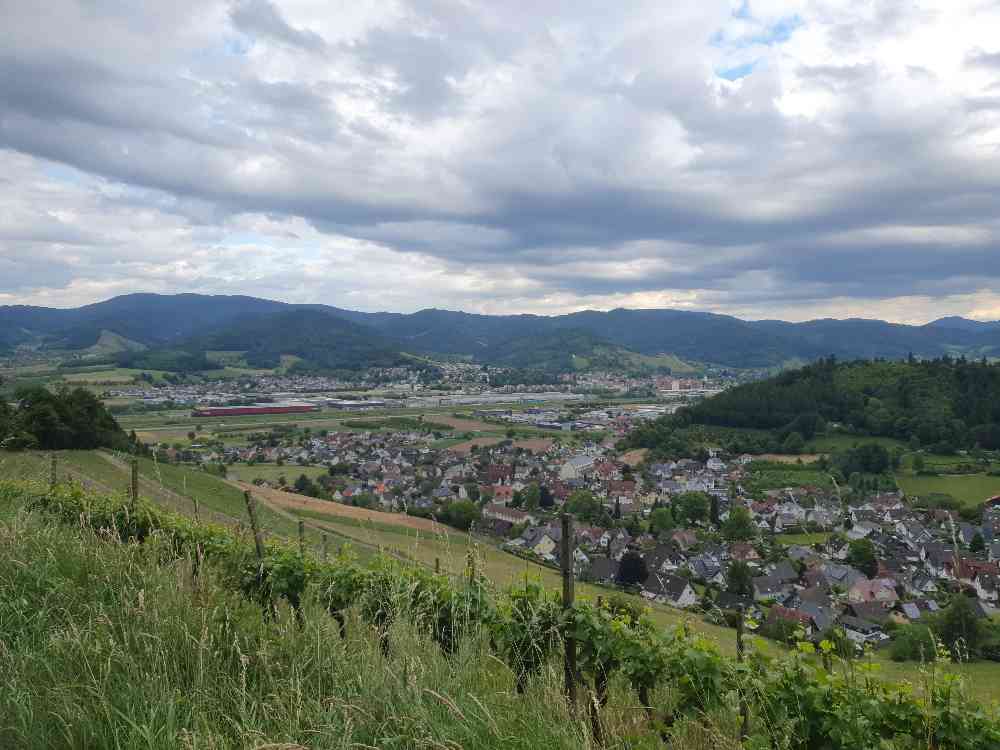 Photo view approx. 70°
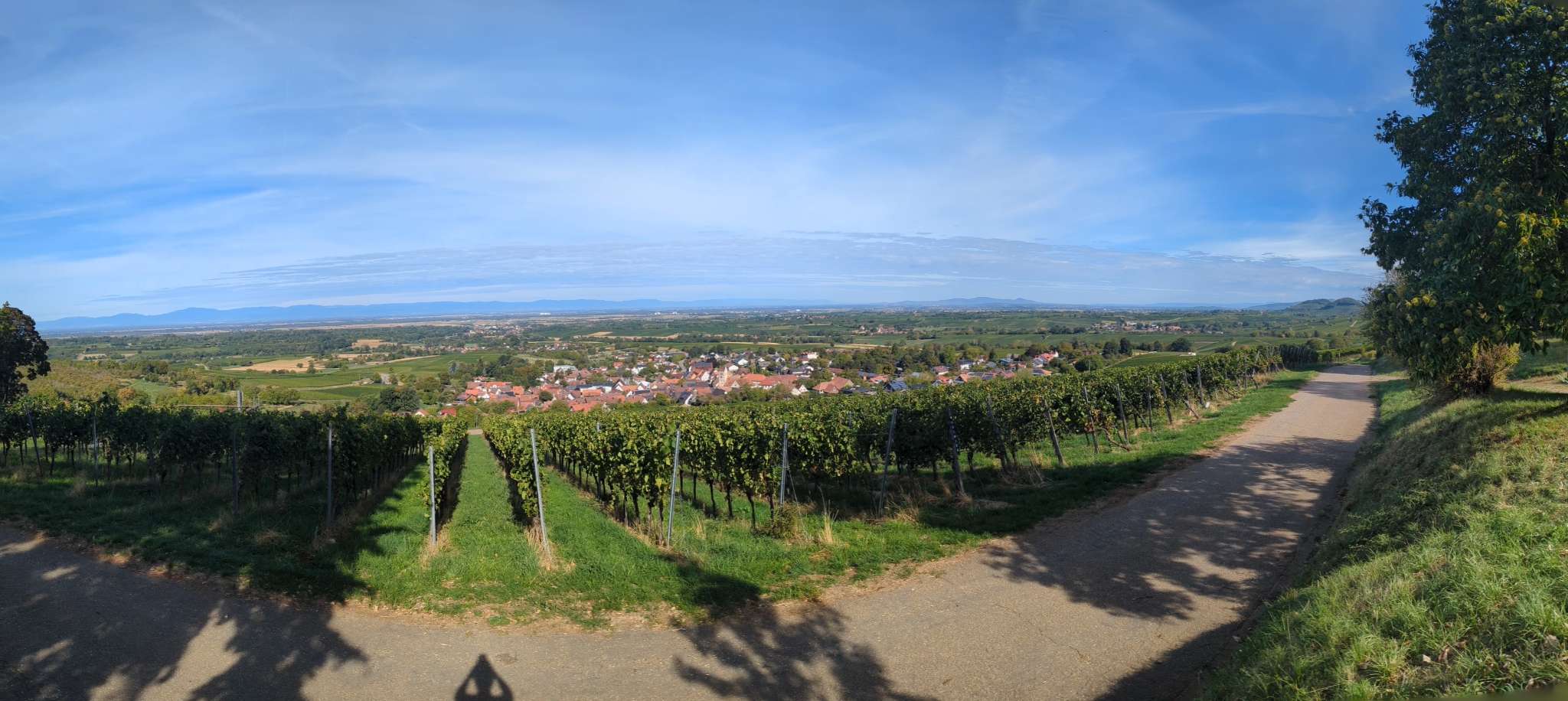 Panorama view up to 180°
 Surround view up to 360°
Panorama mode – for panorama and surround view
Hold the phone upright and turn slowly on the spot, keeping it level along the horizon. A half turn gives the panorama view, a full turn the surround view.
Not every device supports 360° shots – on some smartphones the panorama mode stops before a full turn. Best try it at home before you head to the viewpoint.